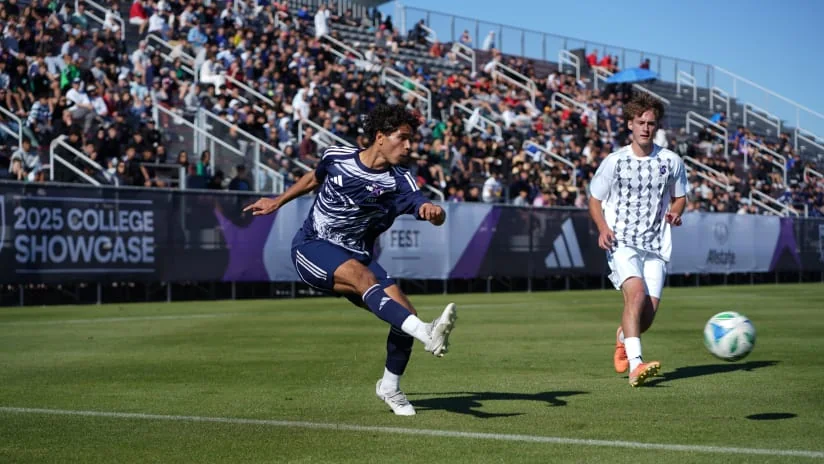
To find MLS NEXT teams by state, start with the youth division's official member resources, then verify the club's current season, specific team and training location. Searching only for the nearest senior MLS club will miss many youth organizations; searching only for “MLS NEXT” can also lead to professional second teams.
This guide provides season-labeled state examples, a closer look at California and a practical way to build a local shortlist. It was checked on November 10, 2026. The examples are selected starting points, not a complete current membership register or a ranking of clubs. Where an official directory still shows an older season, that limitation is identified so you can use the information without mistaking it for a confirmed opening today.
Choose the youth competition before searching the map
A useful MLS NEXT search begins with the competition, then the location. Typing a state into a search engine can return a youth academy, a professional second team and the senior MLS club in the same results. Those organizations may share a badge or parts of a name, but they do not offer the same playing opportunity.
Homegrown, Academy and professional second teams
MLS NEXT is the youth platform. Its Allstate Homegrown Division and Academy Division have separate competition resources. Homegrown includes MLS academies as well as other elite youth clubs. Academy Division is another youth competition pathway, organized around regional play. Search for the division your prospective team actually enters rather than treating every program carrying the words “MLS NEXT” as interchangeable.
MLS NEXT Pro is a separate professional competition. A page for a club's second team can be useful when following a player's later development, but it is not a directory of youth teams accepting local enquiries. Our MLS NEXT Pro explainer covers that competition. Likewise, the map of senior MLS clubs answers a first-team geography question, not this youth-club search.
Why the season label matters
Start with the official Homegrown member directory and Academy member directory, but read their headings. When checked on November 10, 2026, both still displayed a 2025–26 season label. The Homegrown page also provided a “Clubs by State” section. Those are useful finding aids; they do not, by themselves, establish the complete membership of the newer season.
Use three checks together: the directory's stated season, an announcement covering the season you want, and the club's current team information. If a club appears in an older list but you cannot confirm its present division or age group, keep that detail marked as unconfirmed. This approach lets you investigate a promising nearby name without turning an old listing into a claim that a particular team is operating—or recruiting—today.
MLS NEXT clubs by state: verified starting points
The selection below gives you concrete names to investigate. It combines seven Homegrown additions announced for 2026–27 with one club whose own website publishes its 2026/27 division structure. It is a starting selection, not an exhaustive directory of current members. The evidence column matters as much as the club name: an announced entry does not establish an available place, the next evaluation date or a team's daily training field.
| State | Club and published area | Season and division evidence |
|---|---|---|
| Pennsylvania | Penn Rising XI — Allentown | Announced 2026–27 Homegrown addition |
| New York | The Island FC — Suffolk | Announced 2026–27 Homegrown addition |
| Ohio | Club Ohio Soccer — Dublin | Announced 2026–27 move into Homegrown |
| Maryland | Coppermine SC — Baltimore | Announced 2026–27 move into Homegrown |
| Florida | One FC — Miami | Announced 2026–27 move into Homegrown |
| Texas | SGA — Austin | Announced 2026–27 move into Homegrown |
| Kansas | Sporting City — Kansas City | Announced 2026–27 move into Homegrown |
| New Jersey | The Football Academy — Florham Park contact location | Club publishes both divisions for 2026/27 |
The seven announced Homegrown entries come from MLS NEXT's March 9, 2026 expansion notice. The first six rows list U13, U14, U15, U16, U17 and U19 in that announcement. Sporting City lists only U13 and U14. Do not assume the same age-group offering across every row simply because the clubs joined the same division in the same season.
New Jersey illustrates a second way to confirm a lead. The Football Academy's current program page labels its season 2026/27 and distinguishes Homegrown Black teams from Academy Gold teams. That is more useful than a result containing only the club's name. It lets a family ask about a particular team rather than send a general request for “MLS NEXT.”
If your state is absent from this selection, that does not mean it lacks an MLS NEXT club. Open the official member resources, find the relevant state or search the club name, then check the club's current season page. For a family near a state border, include practical options across that border. The aim is to build a short, evidence-based list of programs you could realistically attend, rather than select a familiar badge first and investigate the journey afterward.
Find California clubs by region, not by one statewide list
“California MLS NEXT teams” is a useful opening search, but it is too broad for choosing a program. A statewide list can put a nearby club next to one that would require an entirely different travel plan. Narrow the search to your part of the state, then check the club's actual offering.
Northern California: compare nearby programs
Cal North's March 2026 announcement provides useful regional starting points. It identifies new Academy Division entries including Eastshore Alliance Fútbol Club in Berkeley, North Bay Glens in the North Bay and Roseville Soccer Club in Roseville. Its regional list also locates De Anza Force in Cupertino, Ballistic United in Pleasanton and San Francisco Glens in San Francisco. These places help organize a search; they are not interchangeable training locations.
A Bay Area family might begin with clubs in its own side of the region, while a family around Roseville can investigate the program identified there. Compare the actual journey to the team's field before expanding the list. A familiar city name does not tell you which campus a particular age group uses or whether weekday training takes place at the same venue as weekend games.
De Anza Force's team page demonstrates the next verification step: it labels its list 2026–2027 and distinguishes Homegrown and Academy teams. Use the relevant team or program contact to confirm the current details. A division-specific listing is more informative than a search result showing only “De Anza Force — MLS NEXT.”
Southern California: check the exact club and campus
Start just as narrowly in Southern California. Search your city or local area alongside the full club name, then open the club's own program information. For example, Los Angeles SC's programs page presents MLS NEXT separately from its MLS GO recreational offering and other programs. Selecting the wrong registration route because it appears on the same website would not answer an enquiry about an MLS NEXT team.
That page is a lead to investigate, rather than confirmation of every age group for the current season. Ask which division the named team enters and where it trains. Also check the organization itself: Los Angeles SC and Los Angeles Football Club are different names. Similar branding language or the same broad city label does not establish that two search results refer to the same youth program.
A practical California shortlist therefore needs three pieces of geography: the club's stated area, the team's confirmed training field and the likely travel to away matches. Keeping those separate makes the list useful for a family rather than simply impressive in length.
Turn a club name into a realistic trip
The closest club on a state list is not necessarily the most practical team. Measure the journey to the field used by the player's age group, at the time that training actually happens. An office address, an indoor winter clinic and an outdoor team session can be three different destinations.
The Football Academy gives a useful example of why the activity matters. Its contact information lists 76 Passaic Avenue in Florham Park, New Jersey. Its additional winter development programs name the Florham Park Sports Dome, while its 7v7 tournament information identifies the Florham Park Sports Complex. Those pages describe particular activities. They should not be combined into an assumption that every MLS NEXT practice or league fixture takes place at the same address.
When a club replies, ask for the field or fields used by the specific team, its usual training days, the arrival time expected of players and any seasonal venue change. If the first answer gives only the club's general address, ask whether that is the playing location. Confirm the instructions for the actual session before traveling.
Then test the commitment against the whole week. In a hypothetical schedule, a one-hour practice with forty minutes of travel each way occupies at least two hours and twenty minutes before changing, collecting equipment or other preparation. That arithmetic is a planning example, not a statement about any club's program. Your own route and team timetable determine the real figure.
Record four destinations separately where relevant: weekday training, the home-match venue, an evaluation session and an additional camp or clinic. Add the player's school or work departure point to your route check instead of assuming every journey begins at home. A nearby program across a state line may be more workable than a distant club within the same state.
This is also a useful point to involve the player. Ask whether the proposed week leaves enough time for school, recovery and ordinary family responsibilities. “Near me” should describe a journey you can sustain throughout the season, not merely a distance that looks manageable for one exciting visit.
Confirm the player's team, division and age group
Once a club looks geographically workable, identify the team before asking about a place. Write down its full name, the season and the division. A result showing that a club participates in MLS NEXT does not tell you which of its squads would be relevant to a particular player.
The age-group question is especially important in 2026–27. MLS NEXT's announced registration structure keeps the Allstate Homegrown Division on calendar birth-year groups, January 1–December 31. Academy Division changes to school-year groups, August 1–July 31. These are registration grouping systems. The words “school year” here do not, by themselves, answer a separate question about participation in school soccer.
Ask the club which team is appropriate for the player's date of birth in the season being discussed. Do not infer that an identically named U-group uses an identical birth-date window across both divisions. If an enquiry concerns next season rather than the present one, say so at the beginning; a useful answer needs the correct season as well as the player's age.
A club can offer more than one pathway
The Football Academy's 2026/27 page separates its Homegrown Black teams from Academy Gold teams. That distinction gives an enquiry a clear destination: the family can identify the relevant program, then ask staff to confirm the appropriate group and next step. It is more precise than asking to “join The FA” without indicating the competition.
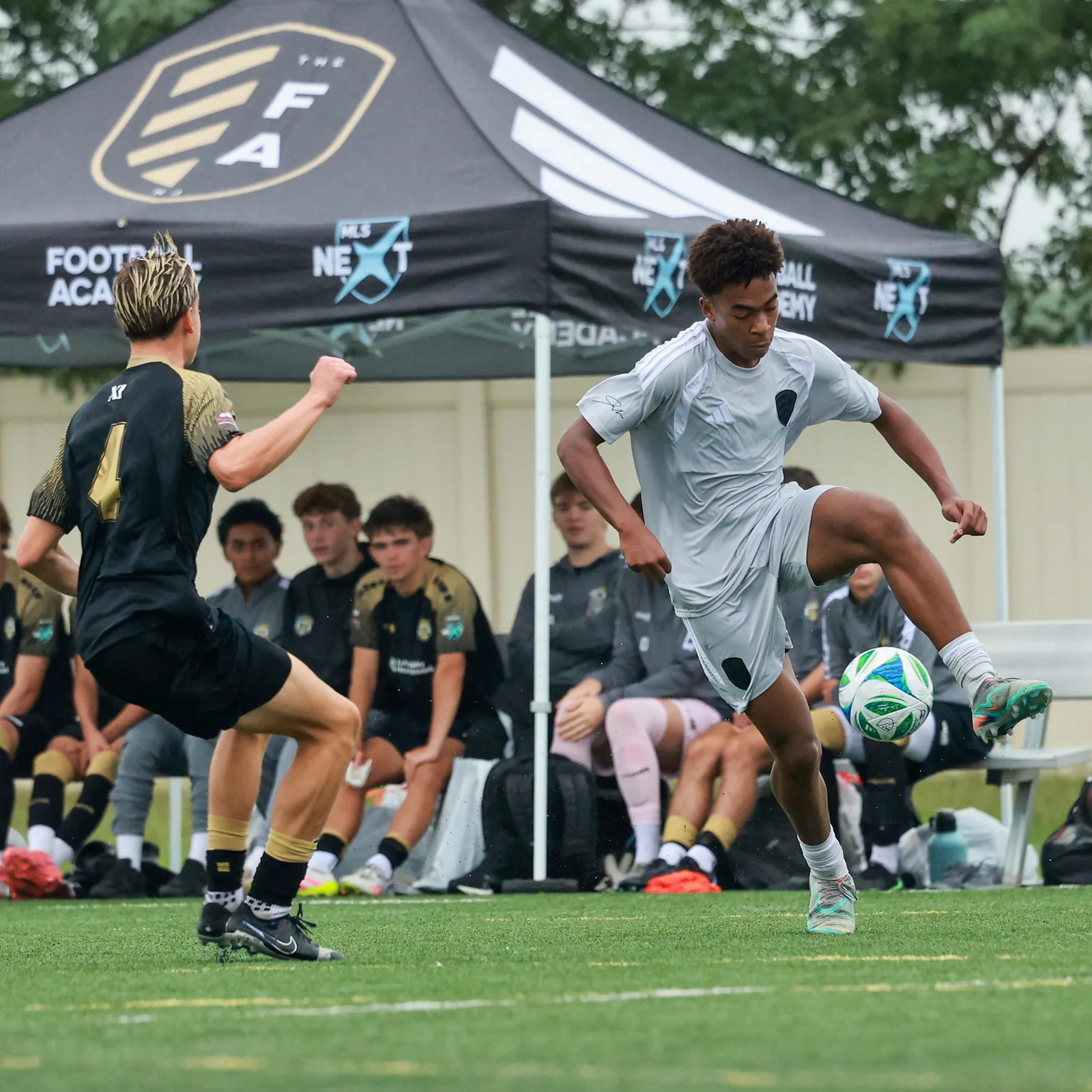
Keep separate entries if a club has more than one relevant option. Record the team's label as published, the division, the age-group basis and the person or form handling enquiries. This prevents an answer about one squad from being carried across to another. It also makes comparison fairer: you are comparing actual opportunities for the player, rather than treating all programs under a well-known badge as the same experience.
Make a useful first enquiry
A short, specific enquiry is easier for club staff to answer than a request asking only whether the organization “does MLS NEXT.” Identify the player group and season, explain which published program you found, and ask for the appropriate next step. Use the contact details on the club's own website.
Ask about the actual opening
Ask whether the relevant team is arranging assessments, whether pre-registration is required and who confirms attendance. A page accepting enquiries does not establish a vacant roster place. The Football Academy's 2026/27 ID-session page, for example, describes screening, limited spaces and a coach-arranged invitation. Its availability label should not be read as permission to arrive at any training session.
You can structure a first message around four clear points:
- The season, division and team label you are asking about.
- The player's age-group information and current playing background.
- Whether you want an evaluation, information about a team or an additional training program.
- The training location and timetable you need to confirm before proceeding.
Let the club identify the appropriate route. Registering for a clinic, requesting an evaluation and receiving a team offer are different steps. Keep the reply attached to the relevant shortlist entry so an answer about one program does not become an assumption about the whole organization.
Compare the full weekly commitment
Before committing, compare more than the journey and the badge. Ask about the ordinary training week, match travel, the period covered by any price, additional expenses and the arrangements for questions about financial assistance. Request current written information instead of applying another club's package to this one.
Bring unresolved school or existing-team conflicts into the conversation early. You do not need to solve every future issue in the first email, but you do need enough information to judge whether the next step is realistic. A detailed reply that reveals a difficult schedule can still be useful: it may save a family from pursuing an opportunity that does not fit the player's present circumstances.
Keep a dated shortlist as clubs and venues change
The most useful result of this search is a small record you can update. For each club, keep the source page, the date you checked it, the season, the team label, the division, the confirmed field and the next contact step. Mark unanswered questions as unanswered. An empty field is more reliable than a guess copied from another program.
For example, a shortlist entry might show that a club's 2026/27 team page is confirmed while the training address is still awaiting a reply. Another could have a suitable location but no confirmed evaluation opportunity. Those are different situations, even if both clubs appeared in the same state search. Keeping the distinction visible helps you decide what to investigate next.
Recheck the information when the season changes or the club sends new instructions. The official member pages and the newer 2026–27 calendar are different resources; neither replaces a team's own current arrangements. A saved national event date is useful for following the competition, but it does not confirm where a prospective player should report on a weekday evening.
Before making a trip, return to the latest club message and confirm the session, venue and attendance instructions. Keep the player's own priorities alongside the practical details: the right level, a workable week and a clear development purpose. A geographic directory has done its job when it helps a family reach that specific, informed next step.
Comments
Comments are reviewed before publication.
Spam, abusive content, personal information and policy-violating links are not published.
Sign in with Google to comment or reply.
Loading comments…