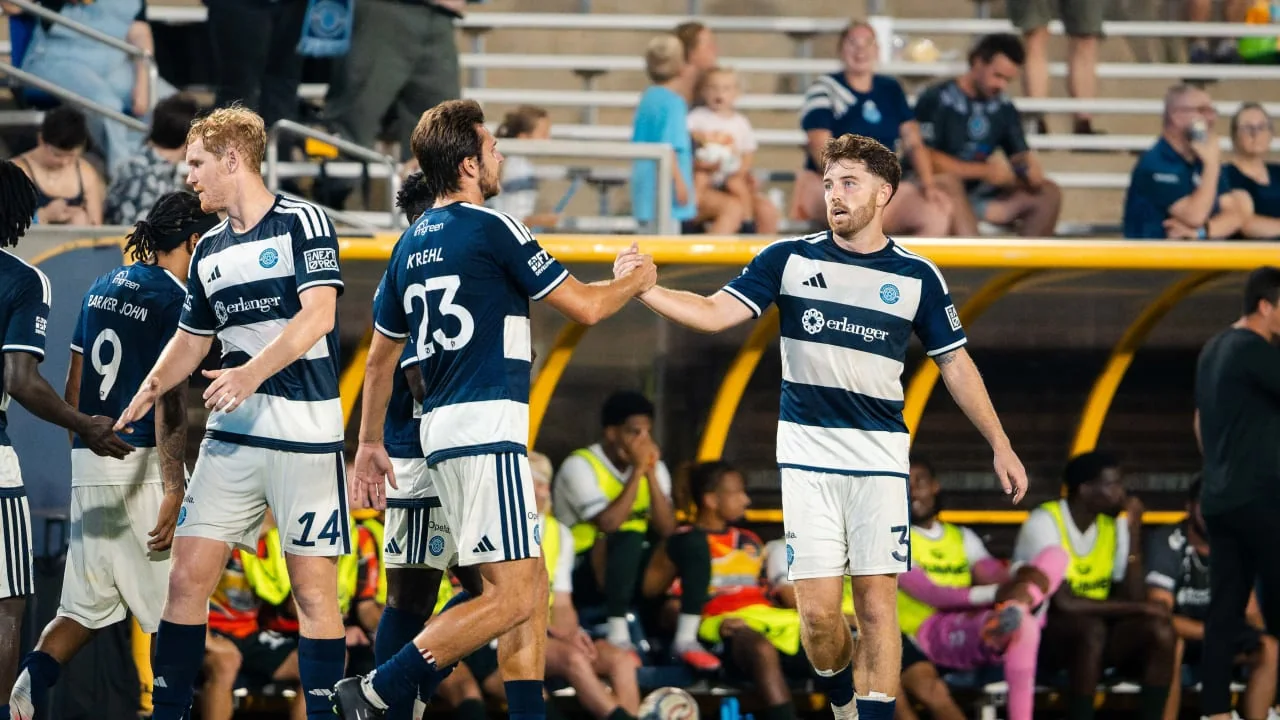
MLS NEXT Pro matches are free to watch live on OneFootball and MLSNEXTPro.com in 2026. Use the official match listing to find the correct fixture, and check individual replay pages when watching later. This guide covers the current viewing routes, device preparation, replay limits and the announced postseason calendar, checked on September 6, 2026.
Where to watch MLS NEXT Pro in 2026
MLS NEXT Pro's official 2026 broadcast announcement makes the starting point clear: matches are live and free on OneFootball and on MLSNEXTPro.com. The arrangement covers the regular season, playoffs and MLS NEXT Pro Cup. It is a different viewing route from the Apple TV subscription used for first-team Major League Soccer.
Start with the league's official live-stream listings. Open the page for the clubs and matchweek you want, then use its player or the linked viewing destination. League watch pages also direct supporters to OneFootball's MLS NEXT Pro fixtures. Keeping these two entry points bookmarked is more reliable than repeatedly searching a club name followed by live stream.
Free coverage does not require buying an MLS pass
The league describes the 2026 OneFootball coverage as free-to-air worldwide. Do not buy a first-team MLS subscription solely because an older article places NEXT Pro on Apple. Equally, do not assume that a different competition on OneFootball is free because NEXT Pro is. The event name on the match page determines which coverage announcement applies.
If a page presents an unfamiliar purchase offer, pause and check the match identity. You may have opened a first-team fixture, a separate cup competition or an unrelated subscription promotion. Return to the league's official match listing and follow the link from there. That checks the destination without relying on the wording of a search advertisement.
Use the current match page as your reference
This guide was checked on September 6, 2026. It describes the league's announced access, rather than promising that every device will display identical buttons. A website listing, a mobile app and a connected television interface can present the same event differently. Confirm the competition, teams and date first; then use the watch option offered on your device.
Find the correct team, fixture and kickoff time
A club name is only the beginning of the search
Use the complete NEXT Pro team name, including a 2 or II suffix where the club uses one. A search for the parent club can lead to a first-team MLS match instead. Other NEXT Pro teams have distinct identities, so the absence of a numerical suffix does not tell you that you have reached the wrong league.
Record the opponent and date as well as the team name. The league's July 26, 2026 watch page for Timbers2 against Real Monarchs is a useful example of a listing that includes a matchweek and a specific matchup. A different meeting between those clubs may have its own page. Reusing an old link without checking the date is an easy way to open a completed event.
The 2026 NEXT Pro regular season began February 27 and has Decision Day on September 20. It continued during the FIFA World Cup. Do not use the first-team MLS break as a reason to assume that no NEXT Pro matches were scheduled. Our MLS games today page covers the senior league; use NEXT Pro's own listings for this competition.
Convert the date as well as the hour
Check the time-zone label on the listing before adding the fixture to your calendar. As an illustrative conversion, a July match listed for 7 p.m. Eastern Daylight Time corresponds to 11 p.m. UTC and 7 a.m. the following day in China. That example is a time conversion, not an announced kickoff for a particular game.
For each fixture, keep the official time and your local time together. If a calendar application converts automatically, avoid manually shifting an already converted entry. Recheck the club's latest match announcement near kickoff for a postponement, venue change or delayed start.
Finally, check the competition line. A NEXT Pro club playing in another cup is participating in a separate event with its own viewing arrangements. The league's free streaming announcement should not be used as the broadcast listing for every match that club plays.
Watch on a phone, computer or television
The 2026 partnership identifies OneFootball's app, web platform and connected TV app among its distribution channels. The league website provides another official route. Choose the screen you want to use, then follow the league's match link on that screen before changing your subscription or hardware setup.
Make the first playback attempt on a familiar device
For a phone or computer, open the official match page in a current browser. If you arrived through a social-media application and its embedded browser fails, try opening the same link directly in your usual browser. This is a practical diagnostic step, not a guarantee that a particular browser or device will support every player feature.
If the platform asks you to sign in, distinguish that request from a payment demand. Free match coverage and account registration are different questions. Follow the instructions on the official destination, and check that the page still identifies MLS NEXT Pro before continuing. Do not install an unrelated application merely because an advertisement imitates a play button.
Before kickoff, confirm that sound is coming from the device or output you intend to use. A muted tab, headphones still connected to a phone, or the wrong television input can make a working stream appear broken. Checking those basic settings takes less time than repeatedly reopening the match page.
Prepare the television separately
If your television or streaming device offers the OneFootball connected TV app, check the match listing there. App availability depends on the device and market; the league's announcement does not provide a universal compatibility guarantee. If your model does not offer the app, investigate the device's supported viewing options before buying additional equipment.
Test your intended larger-screen setup with official content ahead of the game. A phone playing video successfully does not demonstrate that a separate television connection will work. Keep the original match link available on the phone or computer as a fallback while you investigate the other screen.
For shared viewing, decide which device controls playback and volume. Avoid opening several duplicate streams while troubleshooting one television: that makes it harder to identify which player is active and whether the connection is being overloaded. A simple, tested setup is easier to recover when kickoff approaches.
How to find full-match replays and highlights
Start with the original official match page, then check the participating clubs' video and news pages. A useful confirmed example is the league's Full Match Replay listing for Chattanooga FC against Carolina Core FC from May 24, 2026. It demonstrates that an official replay entry exists; it does not establish that every match has a permanent full-length archive.
Match the video to the game you missed
Use both club names and the exact fixture date when looking for a replay. A matchweek number can help narrow the search, but teams can meet more than once. Check the title and the event details before settling down to watch, particularly if an old page retains wording originally written for the live broadcast.
The Chattanooga listing illustrates that distinction: its heading identifies a full-match replay while the introductory copy still invites viewers to watch live. Treat the event date and the available player as the relevant checks. A present-tense sentence on an archived page does not make the match a live event today.
Look at the video label and duration where available. A short highlights package, a single goal and a full match offer different viewing experiences. A long runtime alone is not conclusive because a stream can include a waiting screen or extended pregame material; check that the actual match you want is present.
Plan for availability and spoilers
The league's all-match live coverage announcement is not a published guarantee of a particular replay upload deadline or retention period. If a full replay is absent, check again later and use the club's official highlights as a fallback. Avoid relying on an old forum answer about a previous season's platform to decide what should exist in 2026.
If avoiding the score matters, bookmark the match page before kickoff and return directly to it. News headlines, thumbnails and highlight descriptions can reveal the result. There is no universal spoiler-free route promised here. Ask someone else to check whether a full replay is available if keeping the outcome unknown is more important than browsing the archive yourself.
What you are watching: development teams and shootout points
MLS NEXT Pro has its own league competition
The 2026 league has 30 clubs, comprising 27 MLS-affiliated teams and three independent clubs. The regular-season schedule contains 420 matches, with each team playing 28 times. It is a professional competition with its own table and postseason, rather than a collection of first-team friendlies.
That context helps when deciding which match to watch. A supporter following a parent club may want to see how a prospect handles regular professional minutes. A local fan of an independent club may be following the league as the club's main competition. Both are watching the same standings race, even though their reasons for tuning in differ.
For player-focused viewing, check the published lineup instead of assuming that a familiar academy player will appear. Then watch the role as well as the name: where the player receives the ball, how often they defend in transition, and whether their responsibilities change after substitutions. One highlight can show an excellent finish without revealing those wider details.
A shootout score is separate from the match score
Current NEXT Pro match reports show the extra-point shootout following a regulation draw. On May 30, 2026, Connecticut United and Huntsville City finished regulation at 2-2. Connecticut then won the shootout 3-0 to take the additional point. The match did not become a 3-0 regulation victory.
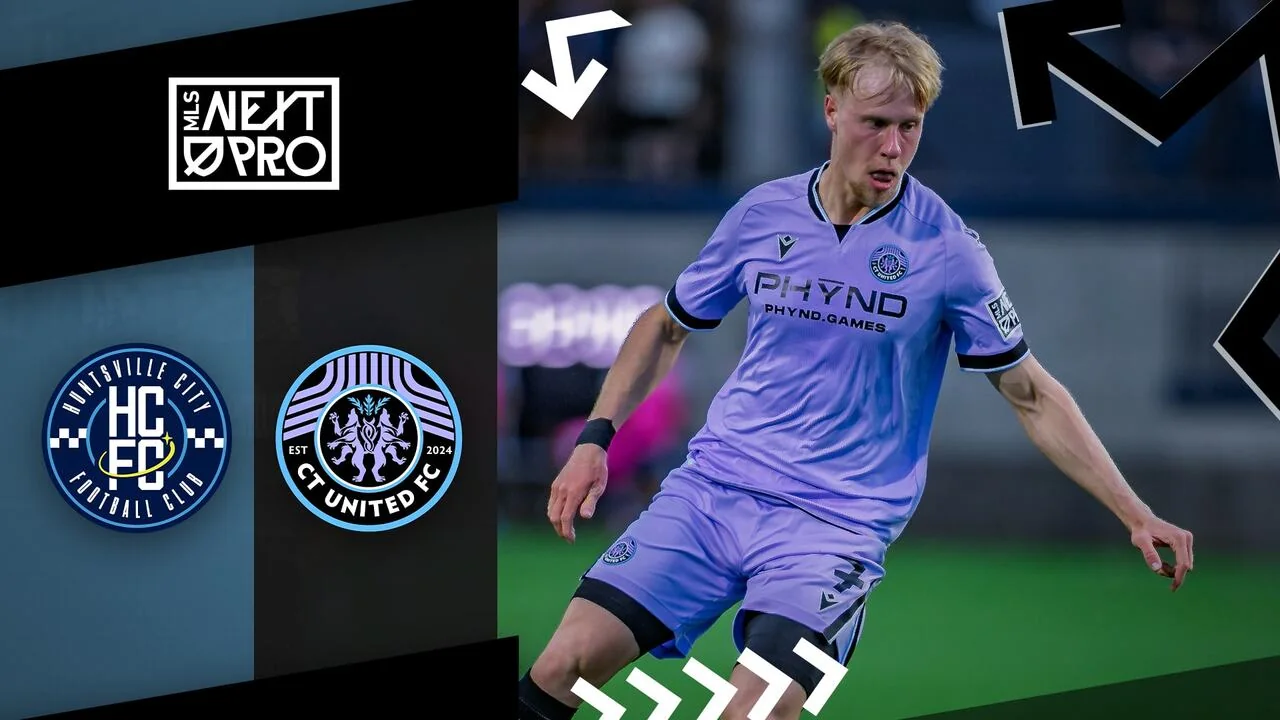
Keep watching after the regulation whistle when the broadcast indicates that a shootout follows. If you return later for the result, read both the regulation score and the penalty notation. That prevents confusing a drawn match with a heavy defeat based on a second number displayed beside the result.
For a replay, this distinction also tells you whether the video reaches the event's conclusion. A recording that stops at the end of regulation can omit the shootout that decides the extra point. Use the official match report to understand what happened, while remembering that reading it will reveal the outcome before you watch.
Watching the 2026 playoffs and MLS NEXT Pro Cup
The league's September 1 postseason announcement confirms a new play-in round and continued coverage on OneFootball and MLSNEXTPro.com. Decision Day is September 20, with Eastern Conference matches at 2 p.m. ET and Western Conference matches at 5 p.m. ET.
Use announced round windows until fixtures are confirmed
| 2026 stage | Announced window |
|---|---|
| Play-in round | October 9-11 |
| Conference quarterfinals | October 16-18 |
| Conference semifinals | October 23-25 |
| Conference finals | October 30-November 1 |
| MLS NEXT Pro Cup | November 6-8 |
These are published competition windows, not five individual match appointments. A Cup window of November 6-8 does not establish November 8 as the final's exact date or give it a kickoff time. Wait for the match announcement before booking a fixed viewing event or treating a calendar reminder as final.
Opponent selection affects your viewing plan
The eighth and ninth seeds in each conference enter a play-in match. Its winner joins the seven automatic qualifiers. The league then uses its pick-your-opponent system in the conference quarterfinals and semifinals, allowing specified higher seeds to choose among eligible lower seeds.
For supporters, the practical consequence is that a familiar fixed bracket assumption can produce the wrong expected opponent. Knowing your team's seed is not always enough to know the matchup. Follow the selection announcement and the resulting fixture listing, then check the host, day and viewing link together.
If you are organizing a group watch, reserve flexibility within the announced weekend until the club confirms details. Write the round name on the initial reminder and replace it with the actual opponent when announced. This is especially useful when a club's participation depends on the play-in result.
Keep this competition separate from the senior MLS Cup Playoffs and the youth MLS NEXT Cup. Similar names do not mean identical calendars or broadcast packages. The event you want here is MLS NEXT Pro Cup, the championship of the professional NEXT Pro league.
What to do when the stream is missing or will not play
Check the event before troubleshooting the player
Begin with the match status. Compare the date, opponent and time zone on your saved link with the club's latest announcement. A waiting screen before coverage begins, an archived event and a postponed fixture require different responses. Reinstalling an app will not correct a link to last month's game.
Return to the current official live-stream index if you are unsure. Open the correct fixture from that page instead of continuing to refresh an old bookmark. If the club reports a delayed kickoff, use that update when deciding whether the absence of live pictures is a technical fault.
Change one thing at a time
If the correct event should be playing, try the other official viewing route supplied on the league page. Then compare playback on another device or a different connection when practical. A working phone and a failing television suggest a different investigation from two devices failing on the same network.
Close duplicate players, confirm that sound is enabled, and restart the affected app or browser. If an extension or embedded social browser appears to interfere, test the official link in your usual standalone browser. Keep the original settings in mind so that an unsuccessful experiment can be reversed.
These checks are suggestions for isolating a problem, not a promise of a particular fix. A platform interruption can require waiting for the provider. If both official destinations fail, check the league or club's match updates before concluding that the event has moved to a new broadcaster.
Make a useful support report
Record the exact match, page address, device, browser or app version, and the error message. Include the approximate time and whether another device works. Use the support route provided by the official platform; for a fixture-status question, the club's matchday announcement is the more relevant starting point.
For your next match, keep a small viewing checklist: correct competition, complete team names, converted kickoff, official match link and tested device. If you expect to watch later, bookmark the event before the result appears and check its replay availability afterward. That preparation handles the most common points of confusion without assuming that every NEXT Pro game has the same interface or archive behavior.
Comments
Comments are reviewed before publication.
Spam, abusive content, personal information and policy-violating links are not published.
Sign in with Google to comment or reply.
Loading comments…